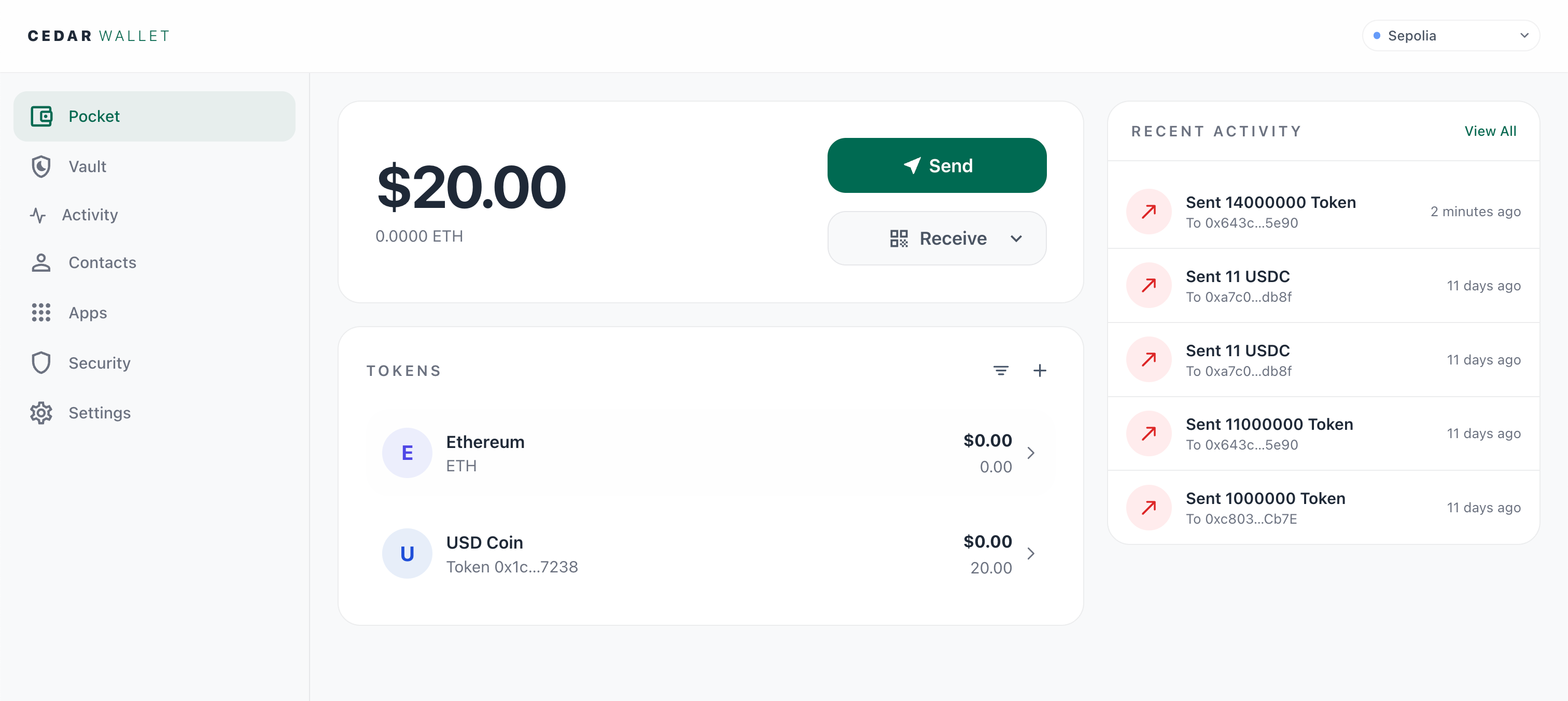
Web
Send, receive, and manage Wallet.
Your everyday Wallet
Send, receive and connect to crypto apps with your passkey. Save a recovery phrase to restore access after a safety delay.
Wallet security
Your passkey approves normal Wallet actions. If you lose it, your configured phrase can restore access through delayed recovery on Web.
Choose a recovery delay of 3, 7 or 14 days. Open Cedar to check and cancel unwanted recovery.
Check every request before approving. A passkey cannot make a malicious transaction safe.
One Cedar account
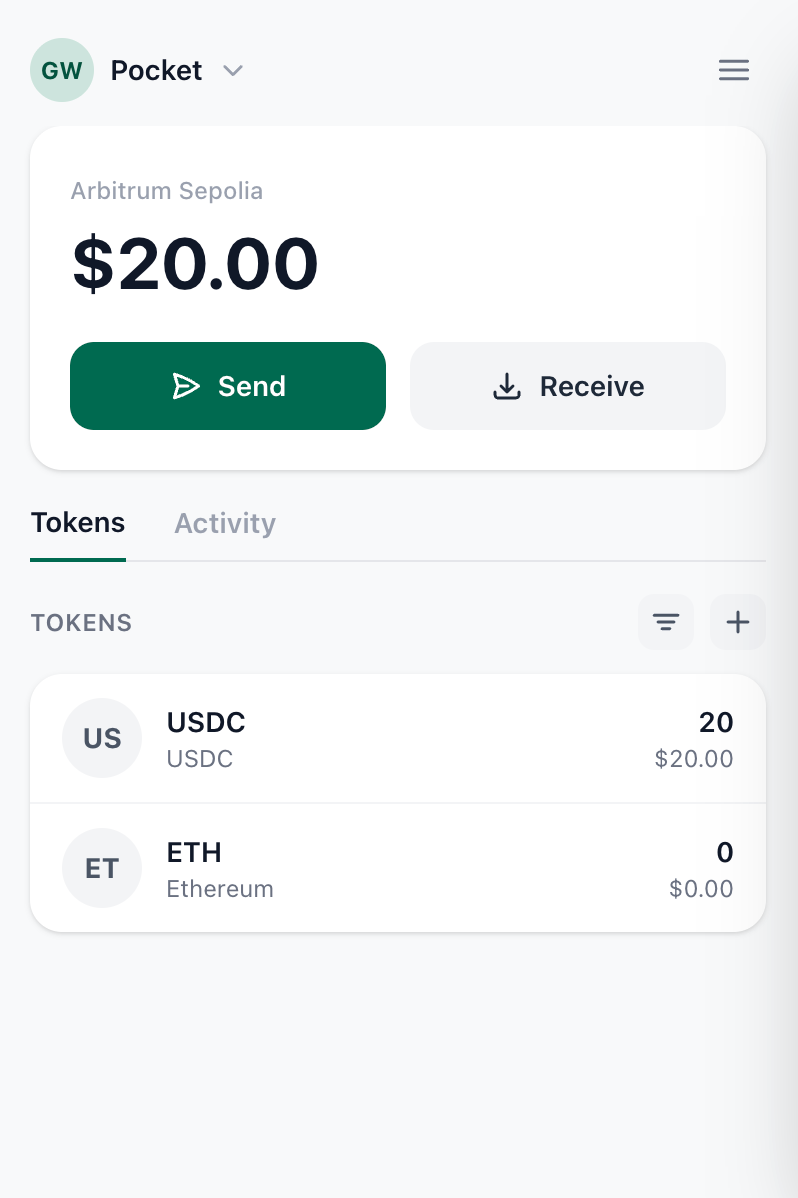
Manage Wallet and recovery on Web, and connect to apps in Chrome. Native comes later.
Send, receive, and manage Wallet.
Connect Wallet to apps without leaving the browser.
Native distribution is planned for later.
FAQ
Yes, with your previously configured 12-word recovery phrase on Web. Recovery has a safety delay. If you lose both your passkey and phrase, access cannot be guaranteed.
Use it to recover access after losing your passkey. Normal Wallet actions use your passkey. Keep the phrase private and offline.
Open Cedar and use the recovery warning to review cancellation with your passkey. Then replace the phrase. External recovery reminders are not included yet.
Web and the Chrome extension launch together. Native distribution comes later. Early access uses test networks: do not send real funds.
Available now
One Wallet. Your passkey. A recovery path you can prepare.